Shape the whole property before the expensive decisions.
House, land, systems, shelter, pool, estimates, and review live in one editable concept. Move a wall and the site, the utilities, and the numbers move with it — so you learn what a decision costs while it is still a drawing.
Start with the blueprint. See the finished possibilities.
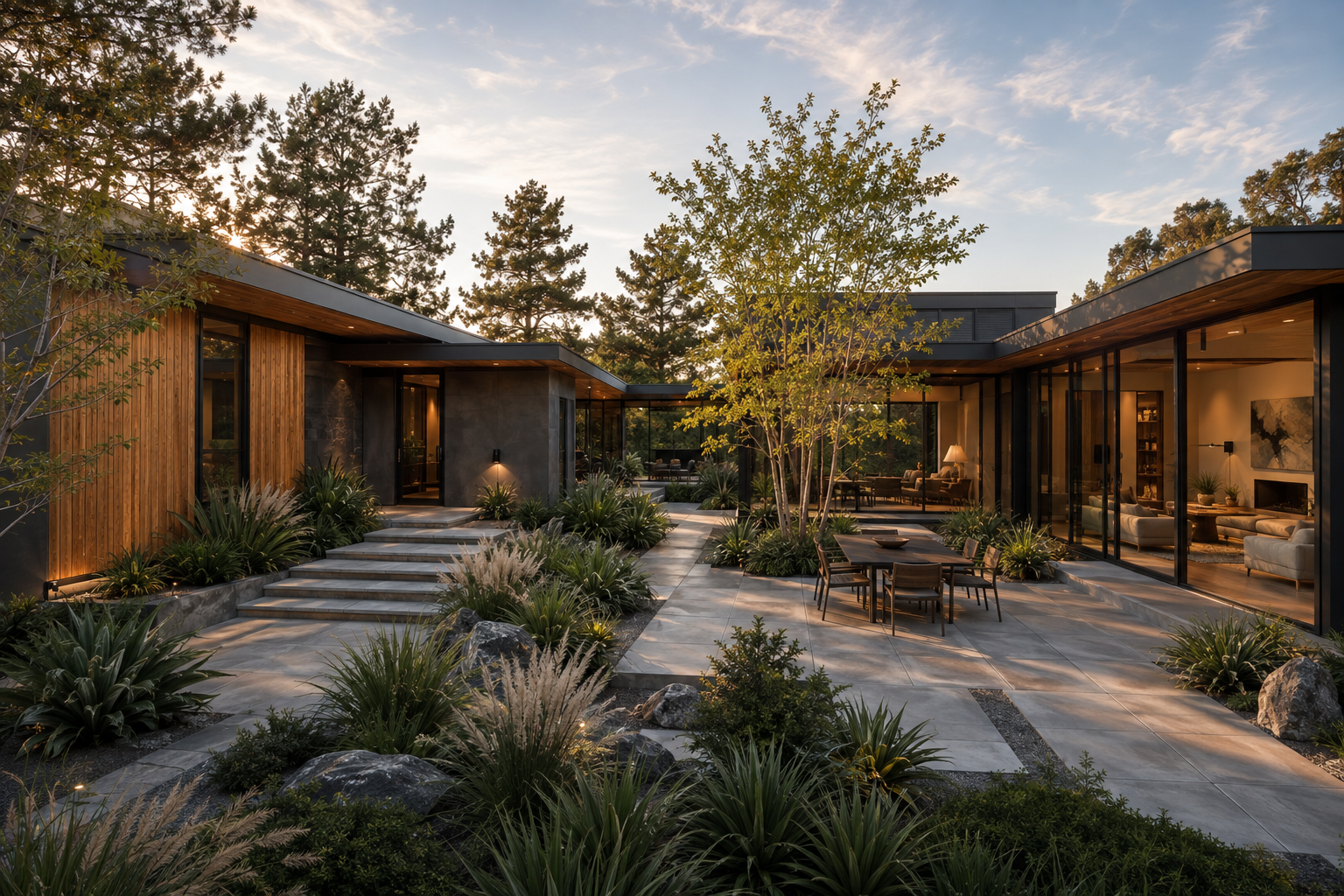
Turn the house around, reveal its framing and systems, then step into a room. Explore the editable model alongside photorealistic Eichler-inspired design studies.
Tell us what your crew needs to prove.
This sends a real setup request. It does not create charges, and it does not open an account on its own — the shot list, manager access and pilot details get confirmed with you first.
Concept visualization—not construction geometry. Conceptual planning only. Fieldscape does not produce survey, engineering, permit, bid, or construction documentation, and does not replace licensed professionals.
One concept, five views
A working demo of the project Modern Atrium 4K. Switch views and select objects — nothing here is saved.
Site view
Select the parcel, house, driveway, pool, or shelter.
From a blank parcel to a package you can argue about
-
01
Start from a template or blank
Pick a Fieldscape template or begin with nothing but a parcel image.
-
02
Fit the concept to the land
Calibrate the image, trace the boundary, set setbacks, drop spot elevations and runoff intent.
-
03
Coordinate architecture and systems
Plan, massing, electrical, plumbing, HVAC, solar, battery and shelter in one model.
-
04
Review scope and open decisions
Findings by discipline, with the unpriced work and unsafe assumptions named plainly.
-
05
Export a discussion-ready package
Concept JSON, blueprint set, PDF, PNG, estimate CSV, or a read-only client link.
Built for the decisions, not the paperwork
Editable architecture
Walls, openings, levels and massing stay editable — not a rendering you have to redo.
Measured site planning
Calibrated parcel imagery, boundary, setbacks, spot elevations and runoff intent.
Systems coordination
Electrical, plumbing, HVAC, solar, battery and smart-home layers over the same plan.
Conceptual estimates
Priced lines, open lines, labor basis and exclusions, kept visibly separate.
Version history
Named revisions, restore points, comparison, and autosave recovery.
Offline-capable PWA
Install it, work with no signal, and queue changes until you reconnect.
Explicit review gates
Professional and jurisdiction decisions stay as holds. There is no “approved” badge.
Nothing changes unless you change it
The assistant can read the model and propose edits, but every proposal arrives as a diff with Apply and Reject. No silent mutation, and every answer says where it came from.
- ✓ Local-first autosaveYour project is written to your device before anything else happens.
- ✓ Exportable project dataConcept JSON out at any time. No lock-in on your own model.
- ✓ No hidden design changesAssistant proposals are diffs you Apply or Reject. Asking a question changes nothing.
- ✓ Clear sources and assumptionsEvery number says whether it came from the model, a calculation, or an assumption.
- ✓ Concept planning onlyNot survey, engineering, permit, bid, or construction documentation.
Start with the land you actually have.
Open the editor, import a concept you already have, or walk the demo project first.